
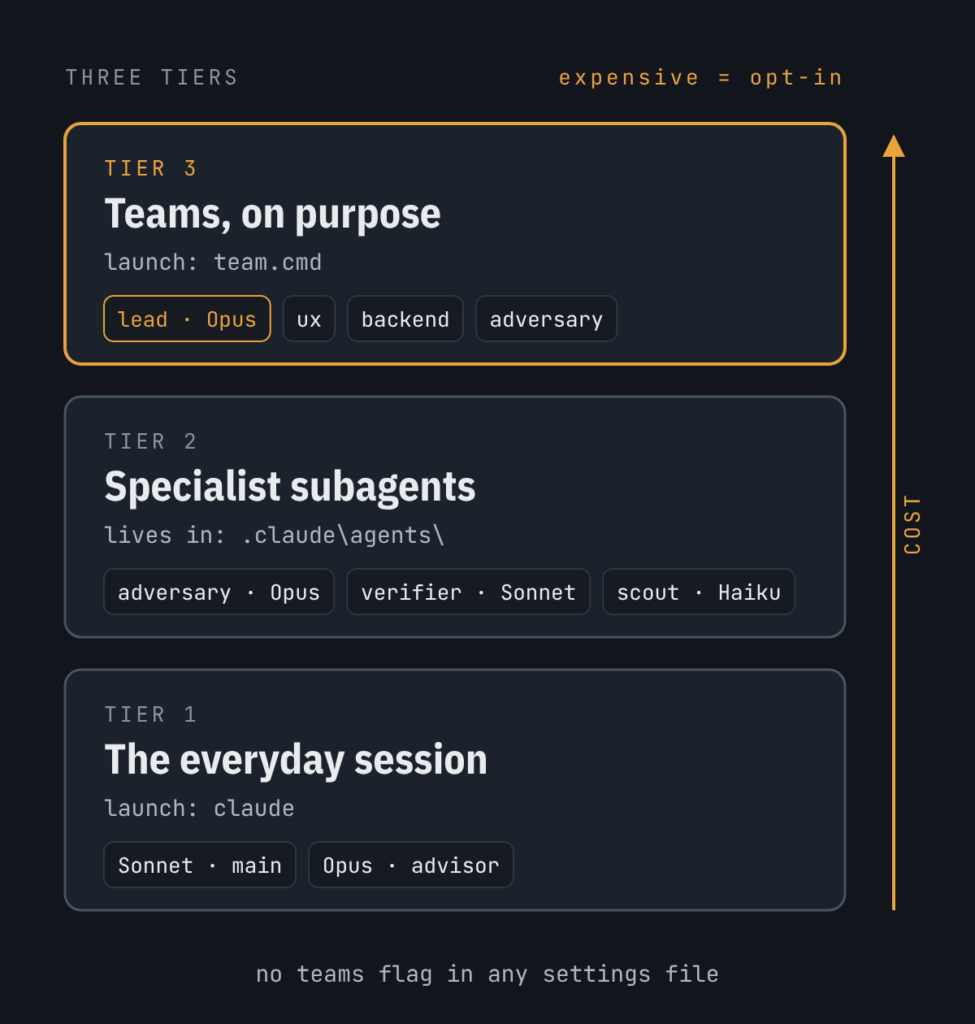
This post was generated using Claude because, what better engine to consult about the nature and state of experimental Claude Code functionality? That said, I realize a number of readers take issue with using AI to assist writing. To help identify such content on this blog, I’ve introduced a new tag: “AI Slop.” This post …
Continue reading Experimenting with Claude Code Experimental Agent Teams
We Borrowed Testing, Too
Your pipeline has tests. Not as many as you’d like. But they exist, they run in CI, and they pass. Last Thursday the pipeline execution instance reported green at 3:00 AM and red by 9:00 AM. Nobody had touched the code. I can hear some of you thinking, “If the output changed, Andy, then something …
Continue reading We Borrowed Testing, Too
We Stopped Teaching What We Never Stopped Running

The training went where the roadmap went. The work didn’t. [also posted at Engineer of Data Substack] tl;dr – Sign up for SSIS Premium, use the coupon code “alblog” and save 10%! You didn’t learn SSIS in a classroom. You learned it because someone left and the packages stayed. You learned it at 11:00 PM, …
Continue reading We Stopped Teaching What We Never Stopped Running
The Server Name Is Not the Point
You know which server is Dev. You have known for years. It is the one with the instance name that almost matches the naming convention, the one that was supposed to be temporary, the one everybody just knows. Until the new developer starts. Or the instance moves. Or you are three windows deep in a …
Continue reading The Server Name Is Not the Point
The Data Engineering Patterns Series
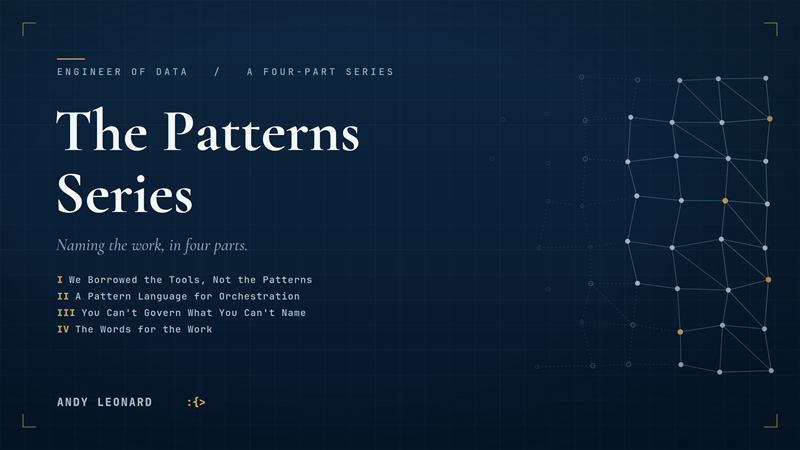
I recently wrote a series of articles about Data Engineering Patterns. The four articles focus on the differences between software engineering and data engineering and the need to apply software engineering principles to data engineering. But I also cover why that’s not as simple as it sounds. the series, in order, is as follows: We Borrowed …
Continue reading The Data Engineering Patterns Series
The Words for the Work
What a month of naming posts was really all about [originally posted at Engineer of Data Substack] I have spent a chunk of a career in the part of data that has no name. Not the dashboards. Not the models everyone lines up to demo. The layer underneath – the part that moves the data, …
Continue reading The Words for the Work
You Can’t Govern What You Can’t Name
Governance is downstream of a name [originally posted at Engineer of Data Substack] Last week, I wrote: Observable Run – every execution leaves a durable, queryable record of what ran, with what, and how it ended. I called it a pattern. It is also a door. Behind it is the question every data team eventually gets …
Continue reading You Can’t Govern What You Can’t Name
A Pattern Language for Orchestration
Crafting the beginning of a vocabulary [originally posted at Engineer of Data Substack] Last week, I wrote: Stateful problems need their own names. We never wrote them. You’ve written idempotent loads, restart logic, dependency chains, promotion configs. By hand. Correctly enough to ship. You already build every one of these. You’re not missing the knowledge. You’re …
Continue reading A Pattern Language for Orchestration
We Borrowed the Tools, Not the Patterns
Data engineering in a software engineering world [originally posted at Engineer of Data Substack] Your orchestration runs. It Just Works every night. You built something real and that is not nothing. The ache isn’t that it’s broken – it’s that it lives in three people’s heads and a folder of conventions nobody wrote down. You …
Continue reading We Borrowed the Tools, Not the Patterns
SSIS 2025 Microsoft.Data.SqlClient Connection Error
Recently, I was developing an SSIS package that read from an Azure SQL DB table and wrote to an on-premises SQL Server 2025 database table. I encountered the following error: [ADO NET Source [41]] Error: ADO NET Source has failed to acquire the connection {<ConnectionManagerGUID>} with the following error message: “Could not load file or …
Continue reading SSIS 2025 Microsoft.Data.SqlClient Connection Error